How to play Anime Galaxies on Roblox
Version: UPDATE 0 · Last checked: 2026-10-27
Anime Galaxies runs in the Roblox client. No official browser build was found in the reviewed sources, and this site will not link a third-party copy.
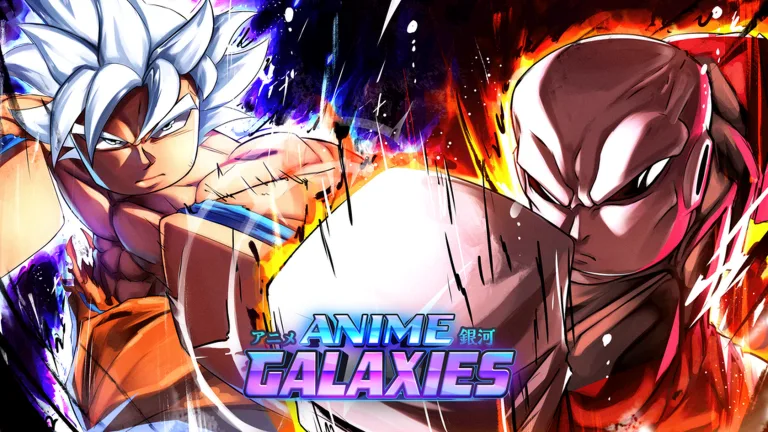
I looked for a legal embed before building the homepage. The verified entry for this experience is its Roblox game page, which links to the Roblox client. The download page at roblox.com/download is the client installer. I used a hero image that links here instead of an iframe.
| Game page | roblox.com/games/83869074416117 Anime Galaxies | UPDATE 0 |
|---|---|
| Client | https://www.roblox.com/download |
| Price | Free to join |
| Max players | See the live game page the API field changes |
The only path this site recommends
Install Roblox from the official download page. Open the Anime Galaxies game page and press the Roblox play button. The same page is the mobile entry inside the Roblox app.
Roblox’s official download page links its desktop client and iOS/Android store apps. Those links establish Roblox platform distribution, not a tested compatibility or performance guarantee for every device in this experience. No per-device performance result is claimed.
The reviewed sources do not establish a standalone Anime Galaxies APK or web mirror as an authorized release. Use Roblox’s own download links. Account risks are on the script safety page.
Questions
Can I play Anime Galaxies in a browser without Roblox?
No official embed was found in the reviewed sources. Use the Roblox client and the game page linked above.
Is there a download besides Roblox?
The game is installed through the Roblox client. The official client download is roblox.com/download.
Related
- Codes — Redeem after you spawn
- Beginner — First hour
- Script safety — Why mirror downloads are refused